Yono Games Withdrawal Success But Not Credited Fix
Last updated 28 Aug 2026
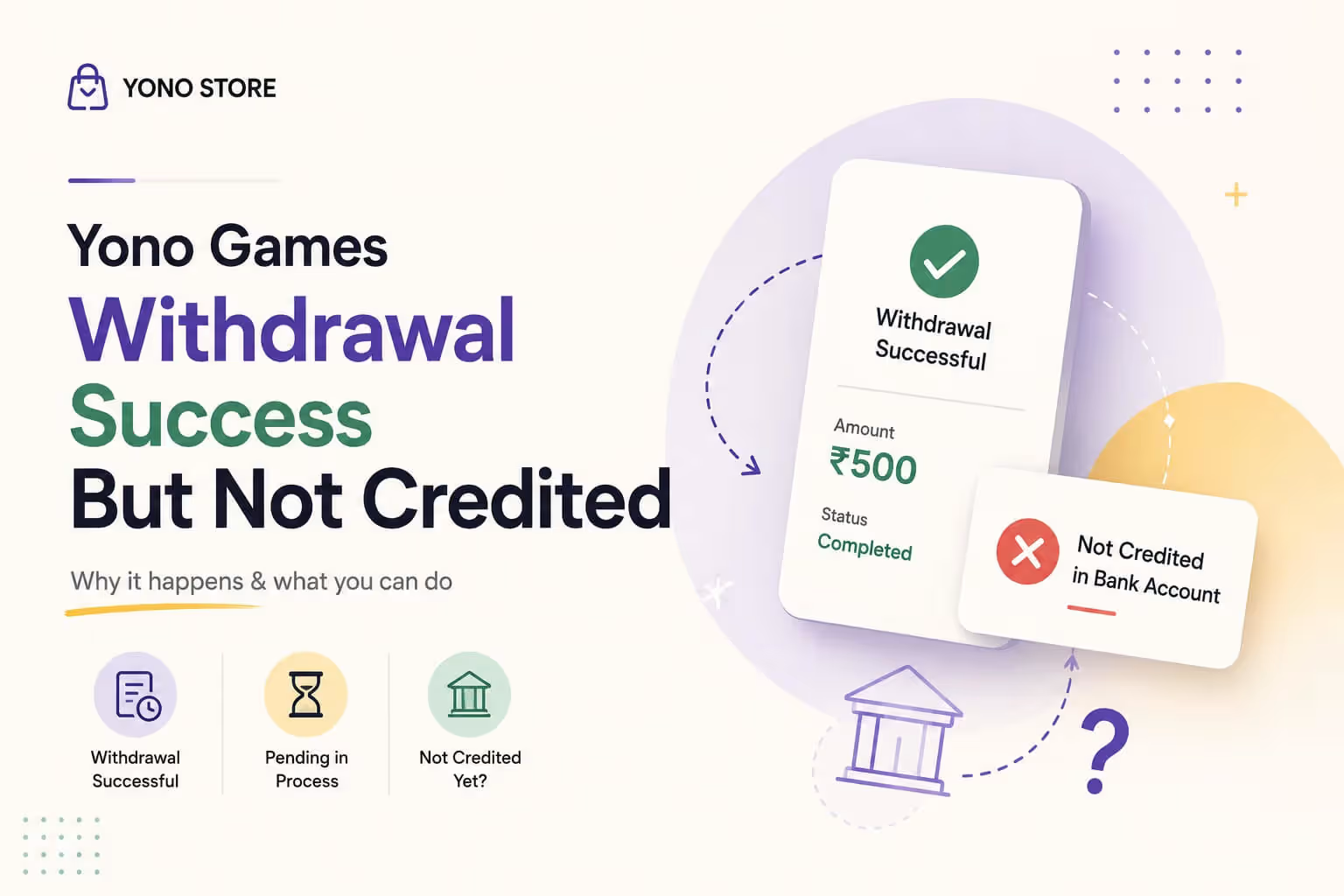
You requested a withdrawal, the app showed a success message, and the amount even disappeared from your wallet balance. But when you check your bank account, there is nothing there. It is a confusing moment, but it is more common than you would think, and in most cases the money is still on its way rather than lost.
This guide walks through why this happens and exactly what to do while you wait for it to reflect.
Why Does This Happen
A withdrawal marked as successful inside the app does not always mean instant bank credit. A few reasons explain the gap:
- The receiving bank's server is temporarily down or slow to process incoming transfers
- The transfer is stuck in a standard processing queue and simply needs more time
- The request was made outside regular banking hours, such as late at night or on a weekend or holiday
- A mismatch or delay on the payment gateway used to route the money
- The app marked it successful on its end, but the actual bank transfer is still being processed in the background
None of these mean your money is gone. It almost always means the transfer is mid process.
Step by Step Fix
1. Check the Standard Processing Window
Most withdrawals take some time to actually land in your account even after the app shows success. Give it the usual processing window before assuming anything is wrong, since this alone resolves the majority of cases.
2. Refresh Your Bank Balance Properly
Do not rely only on notifications. Open your bank's app or net banking directly and refresh the account statement, since SMS alerts can sometimes lag behind the actual balance update.
3. Confirm the Bank Account Linked Is Correct
Double check that the account number and IFSC linked in your Yono games profile are accurate and active. A withdrawal sent to an old or incorrect account will show as successful in the app, but will never reach you.
4. Save Your Withdrawal Reference Details
As soon as a withdrawal shows success, note down the transaction ID or reference number shown in the app. If you do need to raise a support request, this is the first thing they will ask for.
5. Avoid Requesting the Withdrawal Again
Do not place a second withdrawal request while the first one is still processing. This can create confusion between two transactions and make it harder for support to trace which one you are asking about.
6. Use the Contact Us Option Below the Withdrawal
If the amount has not reflected after a reasonable wait, look for the Contact Us button placed just below your withdrawal entry in the app. Tapping it connects you directly to customer service for that specific transaction. Share your withdrawal ID and user ID when you reach out, since these two details let the support team pull up the exact transfer and figure out the real reason behind the delay, rather than treating it as a generic query.
Quick Fix Table
| Problem | Quick Solution |
|---|---|
| Withdrawal shows success, no bank credit | Wait through the standard processing window |
| Unsure if it actually reached the bank | Check your bank statement directly, not just SMS alerts |
| Worried the account details are wrong | Verify the linked bank account and IFSC in your profile |
| Need to raise a support query | Use the Contact Us button below the withdrawal, with your withdrawal ID and user ID ready |
| Money still missing after a while | Contact support with these IDs, avoid repeat requests |
Still Not Credited? Here's What to Do
If the amount still has not shown up after the usual processing time, do not keep submitting new withdrawal requests. Tap the Contact Us button below the withdrawal itself and share your withdrawal ID and user ID with customer service. These details let support trace the exact transaction and identify whether it is a bank side delay or something on the app's end, far faster than repeated attempts or a generic support message.
If you're also facing trouble on the deposit side, our Deposit Not Showing guide and Withdrawal Failed guide cover those situations separately. And if your withdrawal has been stuck for longer than usual, the Withdrawal Pending guide goes into what counts as a normal wait versus a real delay. For login or account access issues around the same time, check our login problem fixes and account blocked fix guides.
For a full walkthrough of installation, login, and payment topics in one place, our Yono Store guide is a good starting point. And before choosing where to play, our Safest Indian Gaming Apps roundup and most rated yono game apps list can help you pick apps with a reliable payout track record, or you can browse the full yono all games collection.
Responsible Gaming Notice
This guide is for informational purposes only. We do not encourage adding real money to any game, especially amounts you cannot afford to lose. These are skill based card games meant for entertainment, and the smarter way to play is with the free daily bonus and rewards the app already offers, rather than depositing and withdrawing real money repeatedly. Always play responsibly, follow the gaming laws applicable in your state, and take a break if gaming ever starts to feel stressful.
Frequently Asked Questions

I have been evaluating real money gaming platforms in India for the past 5 years, focusing on payment reliability, KYC smoothness and long-term trust signals. My reviews are based on live deposits and actual withdrawals so readers know what to expect before they add funds.