Yono Games Login Problem: Common Errors and Fixes
Last updated 24 Aug 2026
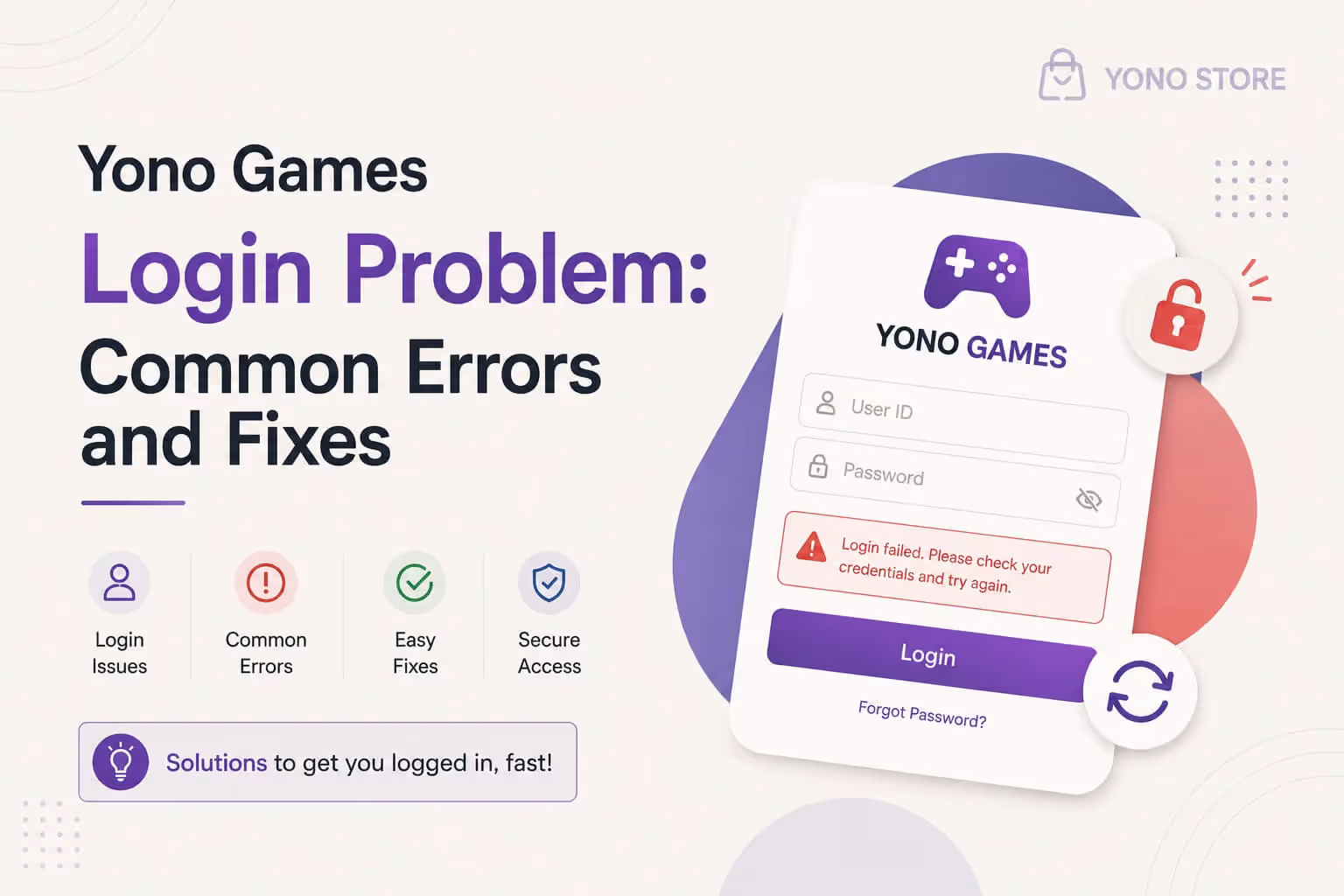
Getting stuck on the login screen is one of the most annoying things that can happen, especially when you just want to play your favourite rummy or card game. Sometimes the password shows wrong, sometimes the account looks blocked, and sometimes the app simply crashes for no clear reason. The good news is that most login errors on yono all games apps have fairly simple fixes.
In this guide, we will go through the most common login problems one by one, so you know exactly what is going wrong and how to fix it.
Why Login Errors Happen So Often
Login depends on several things working together, like your network, the app's server, the app version, and your account status. If even one of these is off, login can fail. That is why different users end up seeing different kinds of errors.
Common Login Errors and Their Fixes
1. OTP Not Arriving
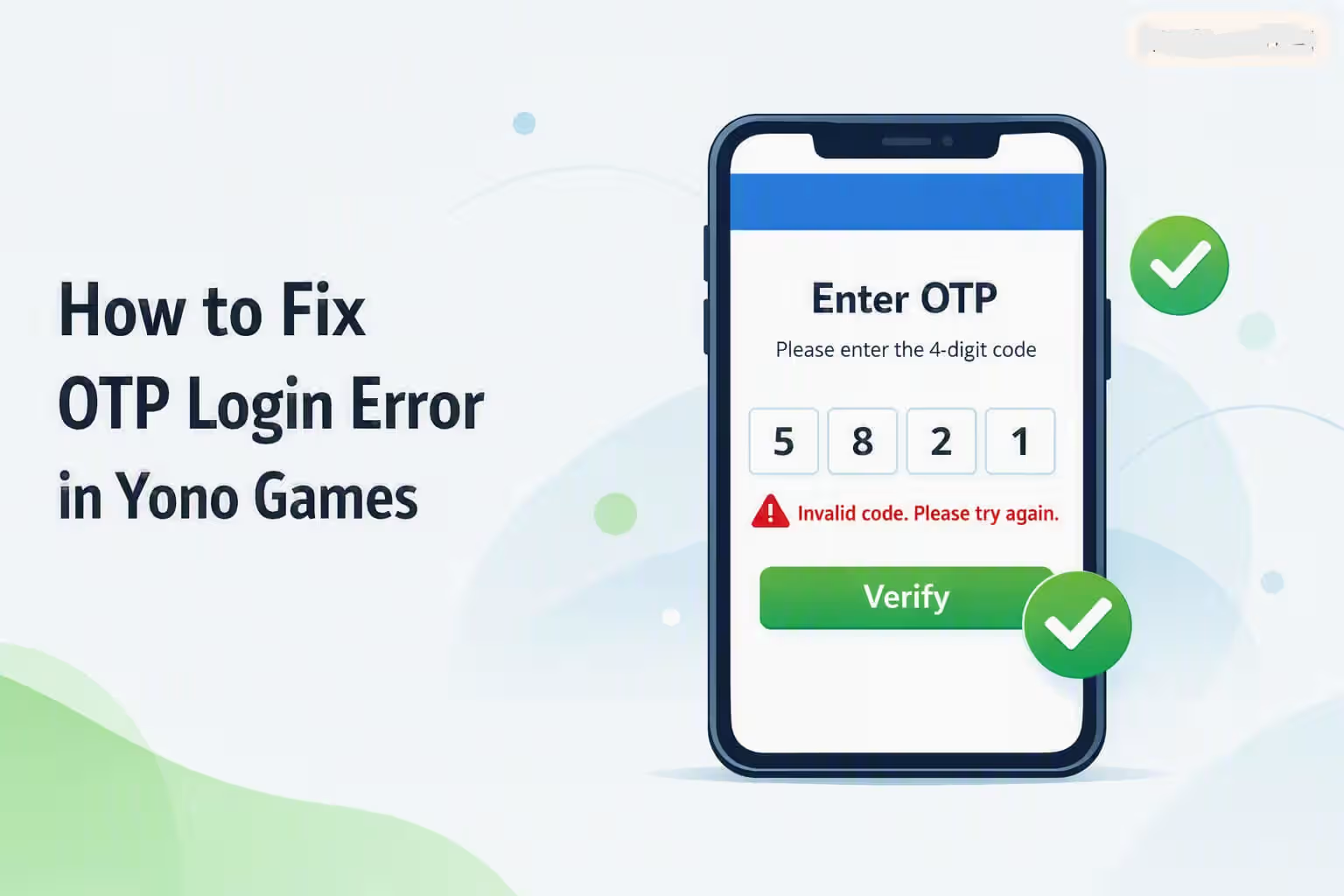
This is the most reported login issue. Before anything else, check a few basics: make sure your SIM has enough balance or an active recharge, since some carriers block SMS delivery when a SIM is out of validity. Also confirm you have a proper network signal, and double-check that the number you entered is correct, since even one wrong digit means the OTP will never arrive. A weak network, DND service, or missing SMS permission can also delay or block the OTP. We have covered this in full detail, with step by step fixes, in our OTP login error fix guide.
2. Wrong Password or Invalid Credentials
If the app keeps saying "incorrect password," first check if Caps Lock is on, and double-check the number or email you entered. If you are sure the details are correct and the error still shows up, use the "Forgot Password" option to set a new one.
3. Account Shows as Blocked or Suspended
Sometimes you get a blocked or suspended message right when you try to log in. This is a separate issue with its own set of reasons. For a full explanation and fix, read our account blocked fix guide.
4. App Crashes on the Login Screen
If the app closes the moment you tap the login button, an outdated version or a corrupted install could be the cause. Update the app to the latest version, and if the problem continues, uninstall it and do a fresh install.
5. "Account Not Found" Error
This happens when the number or email you entered is not registered in the system. Check that you are opening the correct app and typing the right number. If you are a new user, you need to create an account first before you can log in.
6. Server Down or Under Maintenance
Sometimes the app's server goes into temporary maintenance, and login attempts fail during that time. Wait a few minutes and try again. This is not a problem on your phone, it is on the server side.
7. The App Won't Even Install
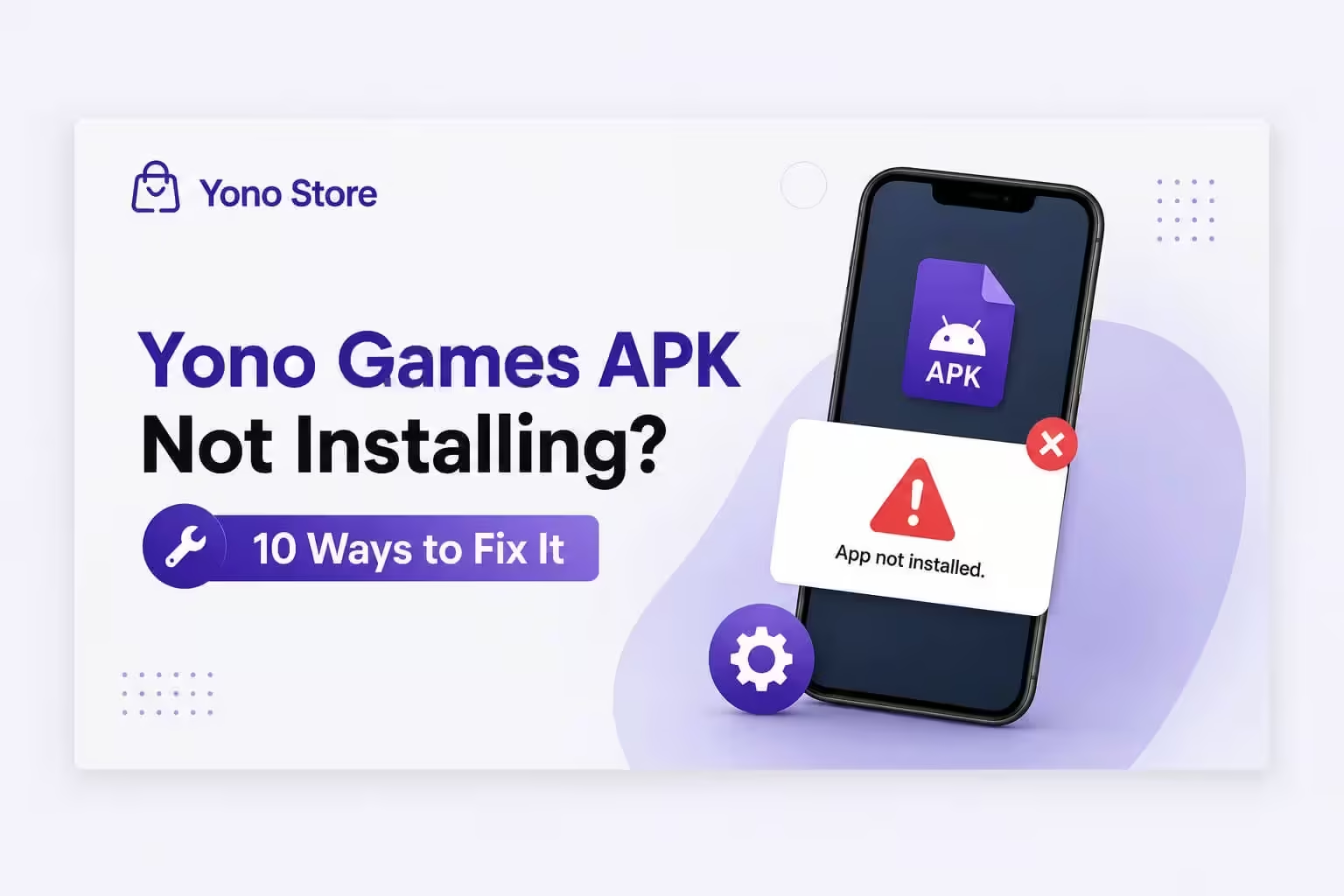
If the app is not installing in the first place, there is no login to worry about yet. For this situation, our APK install error fix guide will help.
Quick Fix Table
| Login Problem | Quick Fix |
|---|---|
| OTP not received | Refresh network, allow SMS permission |
| Wrong password | Recheck details, or reset password |
| Account blocked | Follow the detailed guide |
| App crash on login | Update or reinstall the app |
| Account not found | Verify number or email, or create a new account |
| Server down | Wait a few minutes, then retry |
| App not installing | Follow the install error guide |
If the Problem Still Doesn't Go Away
If you have tried all the relevant fixes above and the login issue is still there, do not panic. Wait for a little while first, since there could be a temporary server issue or a small glitch on the app's side that clears up on its own. If the problem still persists after waiting, the best step is to contact customer support directly. When you reach out, share your game ID with them so they can look into your account faster. If this is your first time logging in and you are facing an issue, mention that to support as well, since a first-time login problem is often handled a little differently from a regular login issue.
Things to Watch Even After Login Works
Once login is sorted, if you run into a deposit or withdrawal issue, that is a completely different kind of problem. For deposits not showing up, check our deposit not showing fix guide, and for a stuck withdrawal, our withdrawal failed fix guide can help.
If you want to check how reliable a new app is before trying it, our Yono App Checker Tool can help you find out. And if you are looking for a list of trusted, well-reviewed apps overall, take a look at our most rated yono game apps list.
Responsible Gaming Notice
Use Yono gaming apps only for entertainment. Even after your login issue is fixed, keep your gaming activity limited and follow your local laws. Avoid investing large amounts of money, and if gaming starts to feel stressful, take a break.
Frequently Asked Questions

I have been evaluating real money gaming platforms in India for the past 5 years, focusing on payment reliability, KYC smoothness and long-term trust signals. My reviews are based on live deposits and actual withdrawals so readers know what to expect before they add funds.