Why Is My Yono Games Account Blocked? Easy Fix Guide
Last updated 19 Aug 2026
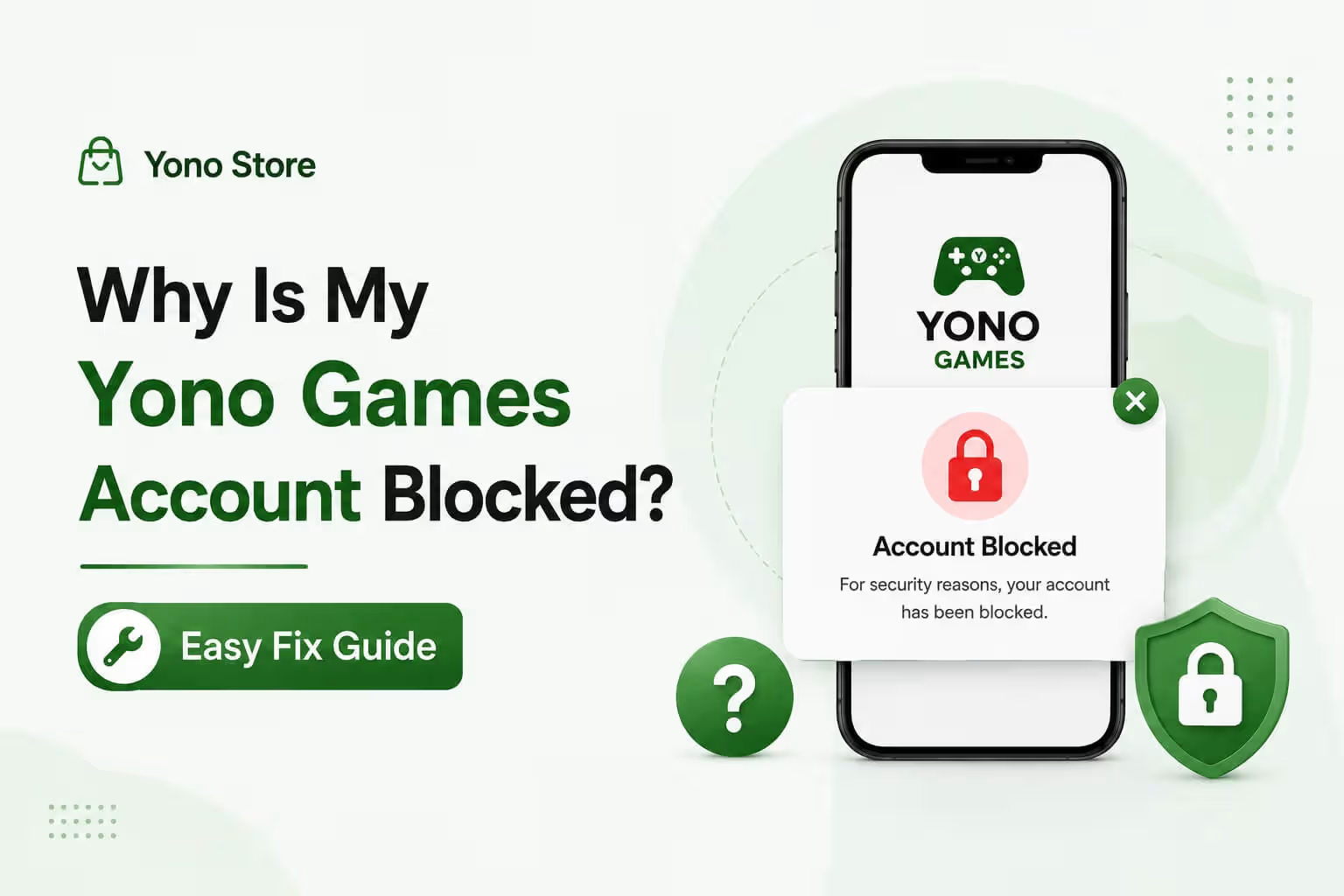
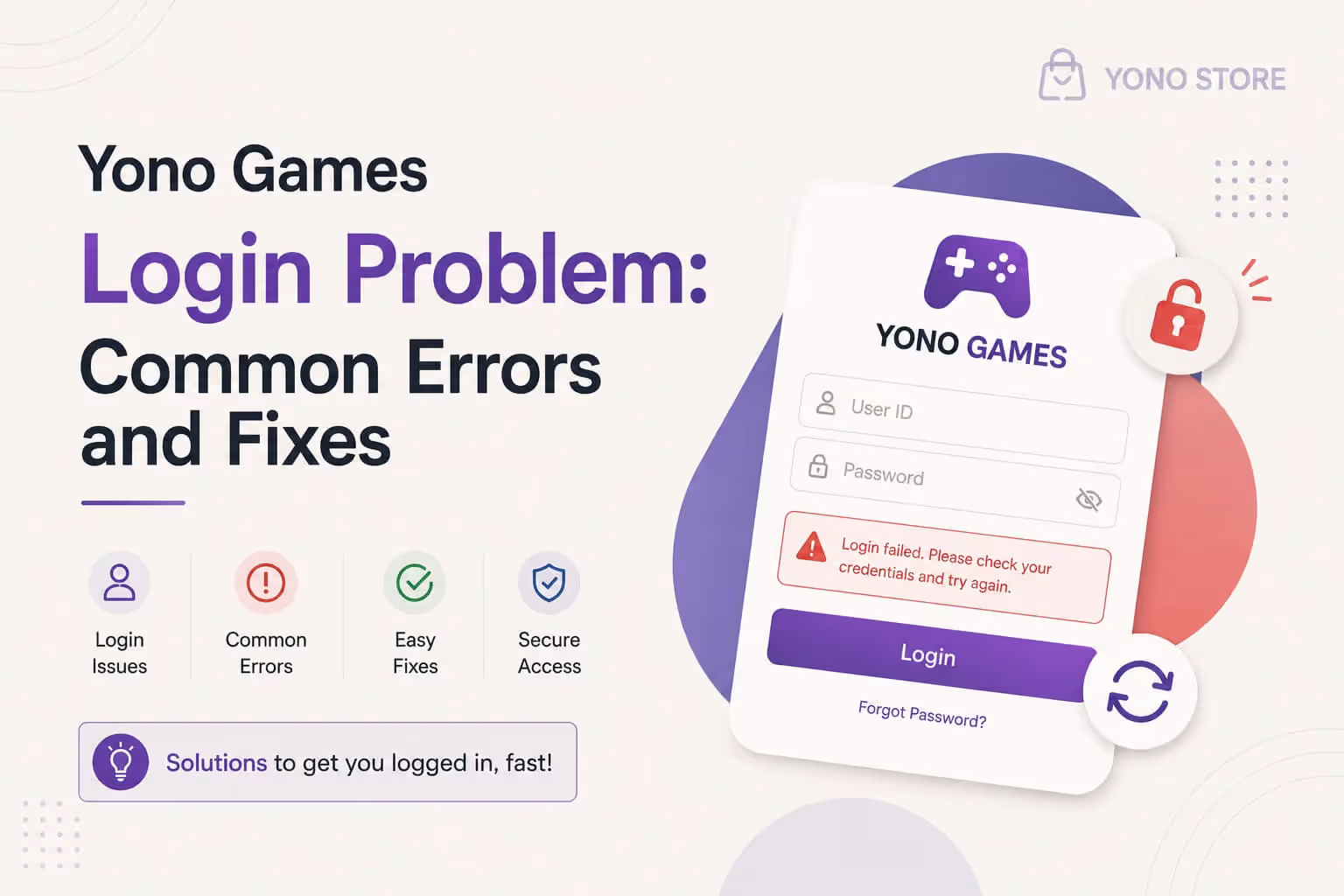
Have you opened your favourite Yono game and seen a message that says your account is blocked? Don't worry, this happens to many players, and most of the time it can be fixed. In this blog, we will explain everything in very simple words, so even if you are new to gaming apps, you will understand it easily.
Before we start, if you are unsure whether an app is safe to use, you can always check it first with our Yono App Checker Tool. It helps you know if an app is trustworthy before you play.
What Does "Account Blocked" Mean
When an app blocks your account, it simply means the app has stopped you from logging in for some reason. It is not always something bad. Sometimes it is just a safety check, and sometimes it is a small mistake that can be fixed in a few minutes.
Common Reasons Your Account Gets Blocked
Here are the most common reasons why a Yono-style game app blocks an account:
- You entered the wrong details, like a name or number that does not match
- You tried logging in too many times with a wrong OTP or password
- You created more than one account using the same phone or device
- The app noticed some unusual activity, like logging in from a new device suddenly
- You broke a rule mentioned in the app's terms and conditions
- The app is doing a routine security check to keep everyone's account safe
Knowing the reason helps you fix the problem faster, so let's look at what you can do.
Step by Step Fix
1. Use Your Own Correct Information
Always use your own name, number, and details when signing up. If you used someone else's information, or if there is a small mistake like a spelling error, the app may block the account until it is fixed. Contact support to correct any wrong details.
2. Avoid Making Multiple Accounts
Most gaming apps allow only one account per person or per device. If you tried to make a second account using the same phone, the new one, or sometimes both, can get blocked. Stick to one account only.
3. Wait Out a Security Check
Sometimes apps block accounts for a short time just to check that everything is safe, especially if you logged in from a new phone or a new place. In this case, simply wait a little while and try again later.
4. Do Not Attempt Repeated Wrong Logins
If you enter the wrong OTP or password many times in a row, some apps block the account automatically to protect it from misuse. If this happens, wait for some time before trying again instead of retrying quickly.
5. Always Note Down Your Account UID
Before you contact support, always find and save your Account UID (also called User ID). This is usually shown in the app's profile or settings section. Support agents cannot see who you are just from your name or number, they need this UID to find your exact account and check the exact reason it was blocked. Without it, they simply cannot help you, and your fix will take much longer. Take a screenshot of your UID and keep it safe, even before any problem happens.
6. Contact In-App Support
Once you have your UID ready, reach out to the app's own support or help section and share it with them. They can check your exact account and tell you exactly why it was blocked and how to fix it.
Quick Fix Table
| Problem | Quick Solution |
|---|---|
| Wrong details used | Contact support to correct them |
| Multiple accounts | Keep only one account per device |
| New device or location | Wait a short while, then retry |
| Too many wrong logins | Wait before trying again |
| Don't know your UID | Find it in your profile and save it |
| Still blocked | Share your UID with in-app support |
Still Blocked After Trying Everything?
If you have tried all the steps above and your account is still blocked, do not panic. Reach out directly through the app's official support option, and always keep your Account UID ready when you message them. Without your UID, support has no way of knowing which account belongs to you, so this one small step can save you a lot of time.
If you are exploring other apps and want to play safely, take a look at our Safest Indian Gaming Apps guide and our Gaming App Safety in India article. Both explain how to keep your account and details protected. If you are also facing trouble receiving OTP, our OTP login error fix guide can help. And if the app itself is not installing properly, check our APK install error fix guide. For a full list of trusted apps, visit yono all games.
Responsible Gaming Notice
These games are meant for fun and entertainment only. Always play with a clear mind, follow your local laws, and never share your OTP or password with anyone. Do not spend more money than you can comfortably afford, and take a break if gaming ever starts to feel stressful instead of fun.
Frequently Asked Questions

I have spent over 4 years reviewing real money gaming apps across India, with a focus on rummy platforms and withdrawal reliability. I test every app I write about, from signup bonuses to cash-out speed, so readers get honest guidance before they deposit a single rupee.